
Parallax scrolling explained is one of those web design techniques that still feels a bit magical even after all these years. As you scroll down a page, the background moves slower than the content in front, giving everything a nice sense of depth and motion. When done right, it makes a website feel more alive and engaging without being distracting.
We at Suncode Miami have used the parallax scrolling effect in quite a few client projects over the last ten years. It’s a simple way to turn flat, static pages into something more dynamic that keeps people scrolling and actually enjoying the experience. The trick is layering different elements and letting them move at slightly different speeds, which tricks the eye into seeing three-dimensional space on a flat screen.
Key Points / Quick Summary
The parallax scrolling effect is based on a natural optical illusion. In real life, objects closer to us appear to move faster than things in the distance. Websites recreate this by making background images scroll slower than the foreground text and images, creating a pleasant sense of depth.
Use parallax scrolling to add immersion without stealing focus from your main message. A subtle parallax scrolling effect works beautifully in hero sections, storytelling pages, or landing pages where you want to gently guide the visitor’s attention.
Today’s implementations rely on clean CSS or lightweight JavaScript, so the animation stays smooth even on mobile devices and doesn’t slow down your website performance.
When used well, the benefits of parallax include higher engagement, better storytelling, and stronger visual impact – especially when combined with good typography and minimalist layouts.
The key is moderation. Overdoing it can hurt accessibility or make the site feel outdated, so we always recommend testing on real devices and applying the effect sparingly.
Many modern designs mix parallax scrolling with gentle fade-in animations or scroll-triggered movements to create websites that feel fresh, professional, and inviting.
What exactly is parallax scrolling and how does it work?
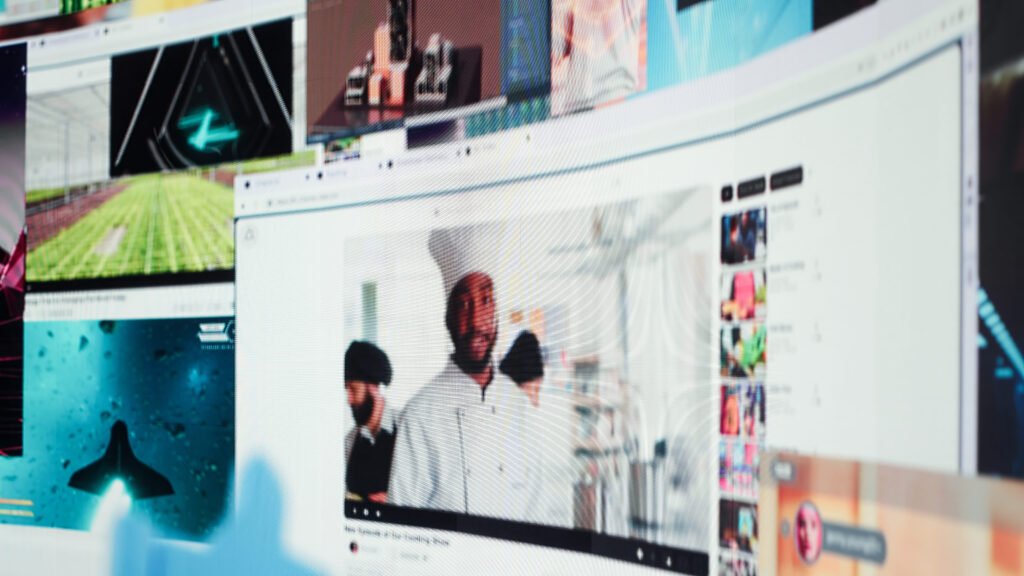
Parallax scrolling is a technique where different layers of a webpage move at different speeds while the user scrolls. Usually, the background image drifts slowly while the text and foreground images move at a normal or slightly faster pace. This difference in speed creates the illusion of depth and motion.
It mimics how our eyes naturally perceive the world. Things closer to us seem to move quicker than things farther away. On a website, we recreate that feeling by splitting content into separate layers. As visitors scroll, the background gently lags behind, while the content in front advances normally. The result is a three-dimensional feel on a two-dimensional screen.
Parallax scrolling works especially well on desktop screens, but it needs careful handling on mobile devices. These days, most designers use modern CSS properties or very light JavaScript to keep the movement smooth and battery-friendly. The core idea stays the same: different elements moving at different paces to create a more immersive browsing experience that feels natural and enjoyable.
Why do designers still use parallax scrolling in 2026?
Even though design trends change fast, parallax scrolling is still around because it adds depth and movement without needing heavy 3D work. In 2026, the technique has become much more refined. Designers now focus on subtle parallax scrolling effect instead of the heavy, flashy versions that used to slow pages down.
It simply makes a website feel more dynamic and modern. As people scroll, that gentle motion keeps their eyes interested and helps guide them through the story you’re telling. Many brands use it in hero sections or full-screen storytelling pages because it creates a sense of depth and motion that plain static designs just can’t match.
The benefits of parallax are pretty clear when it’s done thoughtfully. It strengthens your branding, makes key messages stand out, and turns ordinary scrolling into a more active and enjoyable journey. For business owners, this often means visitors stay on the site longer and feel a stronger connection with your brand.
Read: Importance of User Experience in Web Design
What are some real-world examples of parallax scrolling websites?
You’ll find plenty of successful parallax scrolling website examples that use the effect in smart, restrained ways. Some sites apply it only to the hero banner – the background image moves slowly while the headline and call to action stay crisp and clear in the foreground, like Peter McKinnon’s photography portfolio and Supernatural Kitchen.
Other designs build layered compositions where foreground images and text move a bit faster than the background, creating a striking visual impact. Lifestyle brands often combine parallax with bold colors and clean minimalist layouts to tell their story as users scroll down the page, such as Firewatch (the game website) and The Goonies tribute site.
Creative agencies love using parallax scrolling in their portfolios. Each project section slowly reveals itself as the layers shift, making the whole navigation feel interactive and fun. These real examples show that when parallax scrolling is used with purpose and restraint, it can turn a regular website into something visitors actually remember and enjoy.
How can you create a parallax scrolling effect using CSS and JavaScript?
The good news is that creating a simple parallax scrolling effect is much easier than it sounds. You can begin with just CSS for basic background movement, or bring in a bit of lightweight JavaScript when you want more precise control over several layers.
A very common and effective method uses the CSS background-attachment property set to “fixed.” This keeps the background image in place while the rest of the content scrolls normally over it. For more advanced results, JavaScript can listen to the scroll position and move different elements at custom speeds.
These days, many developers prefer newer CSS scroll-driven animations because they run more smoothly and need less code. The most important rule is to keep the effect subtle. Always test thoroughly on mobile devices and optimize your images so the whole page stays fast and responsive.
Step-by-step: How to add parallax scrolling to your own website
Here’s a practical, step-by-step guide we often walk our clients through when they want to try parallax scrolling:
1 – Start by planning your layers. Decide what will be the slow-moving background, the midground, and the faster foreground. Pick a strong background image that fits your overall design and brand message.
2 – Set up a clean HTML structure with separate containers for each layer. Use proper semantic tags so the code stays organized and accessible.
3 – Apply basic CSS to the background layer using background-attachment: fixed or simple transform properties to get the foundation of the effect.
4 – Add JavaScript or CSS scroll animations to move the foreground elements at a different pace. Begin with small adjustments until the motion feels natural and pleasant.
5 – Test everything on both desktop and mobile devices. Adjust the speeds so nothing feels too fast or causes discomfort.
6 – Optimize your images and code for performance. Compress files and avoid having too many moving elements at once.
7 – Check accessibility. Offer a way to reduce or turn off the animation for users who prefer it, and make sure all text remains easy to read.
This step-by-step approach keeps things straightforward and helps you deliver a polished result without overcomplicating the project. Start with just one section, see how people respond, and then expand from there.
Lear about HTML Basic: Your First Step to Web Development
FAQ
What is the main purpose of parallax scrolling? It creates a pleasant sense of depth and motion that makes scrolling more engaging and helps gently guide the visitor’s attention through the page.
Does parallax scrolling work well on mobile devices? It can work nicely, but you need to test it carefully. On smaller screens, it’s often best to simplify or even disable the effect to keep things fast and readable.
Is parallax scrolling still popular in modern design? Yes – especially when used subtly. It continues to be a useful tool for adding visual interest without hurting performance or overwhelming the content.
Can I create parallax scrolling without any coding? Absolutely. Many no-code website builders and page builders now include built-in parallax options that are easy to use.
What are the main risks of using parallax scrolling? Too much of it can slow down the page, cause accessibility problems, or make some users feel dizzy. The secret is to use it sparingly and always test with real people.
How do I make sure my parallax effect looks professional? Focus on subtle movement, good contrast, readable typography, and strong alignment with your brand. Always test with actual users to make sure the effect helps rather than distracts.
Parallax scrolling explained shows how something relatively simple can bring a surprising amount of life and depth to a website. When used with care, it helps create more immersive and memorable digital experiences that support your brand and keep visitors engaged.
At Suncode Miami we love combining parallax scrolling with clean, modern layouts and solid user experience principles. The result is websites that not only look great but actually perform well for your business. If you’d like to explore more about web design fundamentals, check our guide on what is web design. For practical advice on getting started, see web development where to start. You can also learn about our full range of services in what are web development services.
Ready to add a bit of depth and motion to your own site? We’d be happy to help. Just fill out the contact form and let’s talk about how we can create something engaging and effective for your audience.

