
Augmented reality in web design lets you overlay digital objects onto the real world straight through a regular web browser. Instead of asking users to download an app, they simply open your site, point their phone’s camera, and instantly see 3D content blended with their surroundings.
We at Suncode Miami have been building these kinds of experiences for clients who want to stand out without creating extra friction. The beauty of browser-based AR is its simplicity. Users don’t need to go to an app store or install anything. They just tap a button or scan a QR code and they’re in the moment. It feels magical, yet it’s surprisingly accessible.
Key Points / Quick Summary
Browser AR removes the biggest barrier of traditional AR – the need to download an app. People can jump straight into the experience from any compatible smartphone. WebXR is the technology that makes this possible. It gives websites access to the camera and motion sensors so 3D models can sit naturally in the real world.
Virtual try-ons and product previews work especially well. Customers can see how furniture looks in their living room or how sunglasses fit on their face without leaving the website. Performance matters a lot. Lightweight 3D models and smart optimization keep the experience smooth even on everyday phones.
QR codes or simple “Try in AR” buttons make entry easy and frictionless, encouraging more people to interact with your content. When done right, these immersive experiences increase engagement, build confidence in purchases, and create memorable brand moments.
What exactly is browser-based augmented reality?
How does Web AR work?
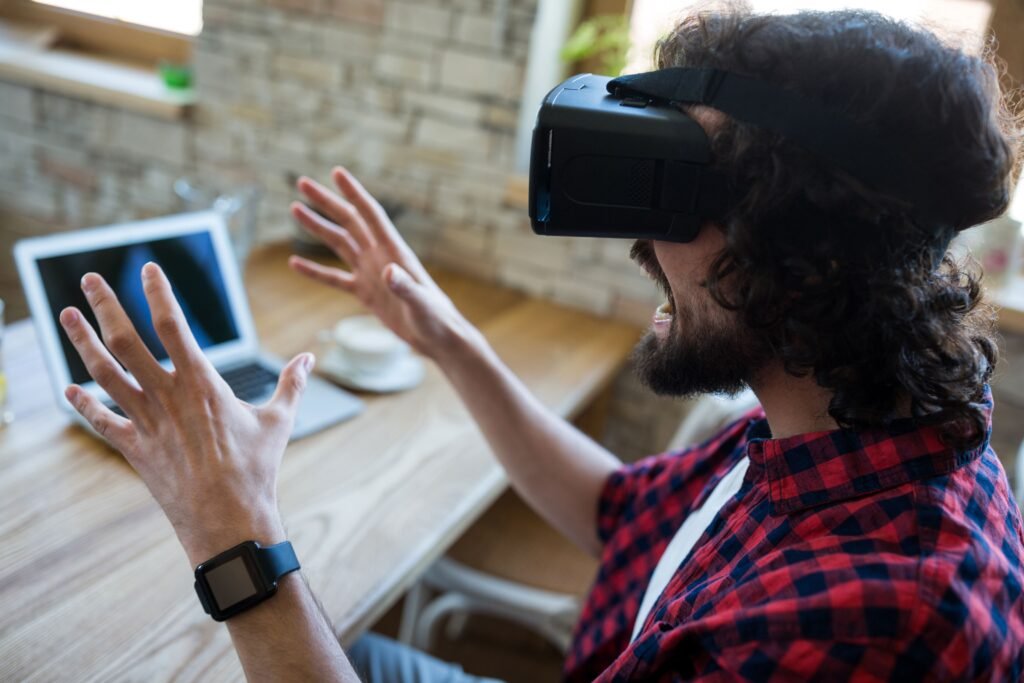
Browser-based augmented reality, often called WebAR, lets you experience AR directly inside a web browser. You don’t need a separate native app. Just open the page, allow camera access, and digital objects appear in your real environment. This is different from traditional AR apps that require users to download something first. With WebAR, the experience starts instantly. That small change makes a big difference in how many people actually try it. We’ve seen conversion rates improve noticeably when clients add this feature because the barrier to entry drops dramatically.
How does WebXR power these experiences?
WebXR is the open standard that allows browsers to understand and use AR and VR capabilities on phones and headsets. It handles camera tracking, surface detection, and lighting so 3D models look like they really belong in the room. Developers can use libraries like A-Frame or Three.js to build these experiences more easily. The result is smooth, realistic placement of digital content on tables, floors, or even on a person’s body for virtual try-ons. The technology has matured enough that reliable experiences are now possible on both iOS and Android devices without complicated workarounds.
Why should your business care about AR in web design?
Augmented reality in web design creates moments that feel personal and exciting. In ecommerce, customers can visualize products in their own space before buying. This reduces uncertainty and often leads to fewer returns and higher satisfaction.
For marketing, it turns passive scrolling into active participation. People love sharing AR experiences with friends, which naturally spreads your brand message. Educational content also becomes more effective when users can interact with 3D models instead of just reading about them.
The best part? You don’t need to build a separate app. The experience lives right on your existing website. This integration keeps users inside your sales funnel instead of sending them away to download something new. Businesses that adopt WebAR often report higher time spent on site, increased shareability, and improved emotional connection with their audience.
Whether you run an online store, a real estate agency, or a creative studio, AR gives you a practical way to differentiate yourself in a competitive market. Customers remember experiences that feel interactive and relevant to their daily lives, and browser-based AR delivers exactly that without the usual complications.
Read: What Is Web Design? 2026 Guide
What are the benefits of Web AR – and how does it differ from app-based AR?
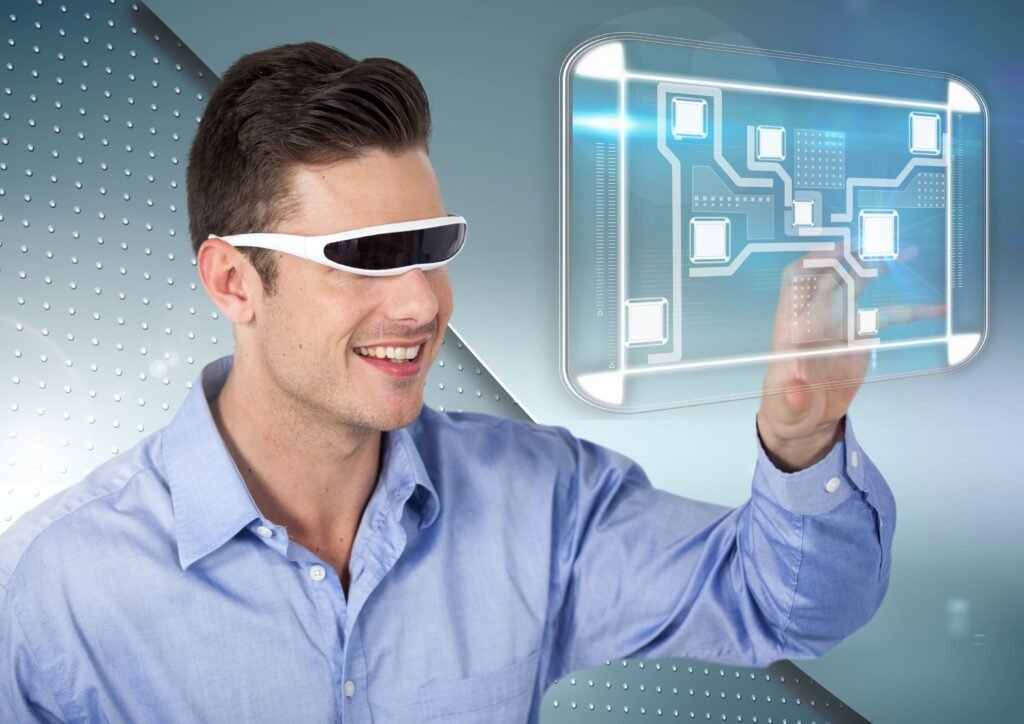
Augmented reality in web design brings a whole new level of engagement by letting users interact with 3D content directly in their real environment without ever leaving the browser. Instead of asking customers to download a separate app, Web AR allows them to simply open your website, point their phone’s camera, and instantly see products like furniture, clothing, or accessories placed realistically in their own space.
This frictionless experience removes major barriers, making it much easier for people to try before they buy, which often leads to higher confidence, fewer returns, and better conversion rates. For businesses, it means more memorable brand moments, stronger emotional connections, and the ability to stand out in a crowded digital world – all while keeping users right inside your existing website.
Compared to traditional app-based AR, the differences are significant. App-based AR usually requires users to visit an app store, download a potentially large file, grant permissions, and then navigate to the feature they want. Many people abandon the process before they even reach the AR part.
Web AR eliminates all of that. The experience is immediate and feels like a natural extension of browsing the web. While native apps can sometimes offer slightly more advanced features or better performance in very complex scenarios, Web AR has closed that gap considerably in recent years. For most business applications – especially marketing campaigns, product visualization, and customer engagement – the accessibility and convenience of Web AR far outweigh the minor technical advantages of native apps.
Best Practices for Integrating AR into Web Design
Furniture retailers let customers place virtual sofas in their living room to check size and style. Beauty brands offer virtual makeup try-ons. Real estate companies show how a space could look with new furniture or renovations. Even smaller businesses use simple AR to showcase products in context – think jewelry on a wrist or plants in a garden. These examples prove that AR isn’t just for big brands anymore. With the right approach, almost any business can benefit.
Learn about Responsive Web Design: An Introduction & Best Practices
How do you actually design good AR experiences?
Good AR design respects both the digital content and the real world around it. Keep interactions simple and intuitive. Use clear visual hints so users know what they can tap or move. Avoid cluttering the screen with too many controls.
Lighting and scale are crucial. The 3D models need to look believable under different room conditions. Testing on real devices in different lighting is essential – what looks perfect on your desk may behave differently in someone’s kitchen.
We always recommend starting small. Launch one focused AR feature, measure how people use it, and improve from there. Pay close attention to how users hold their phones and move around. Design interactions that feel natural whether someone is sitting, standing, or walking. Consider accessibility too – not everyone has the latest phone, so offer fallback options for users who cannot fully participate in the AR session. Thoughtful design turns a technical feature into a delightful customer experience that feels helpful rather than gimmicky.
How to create engaging AR content Step-by-step: Getting started with browser AR on your website
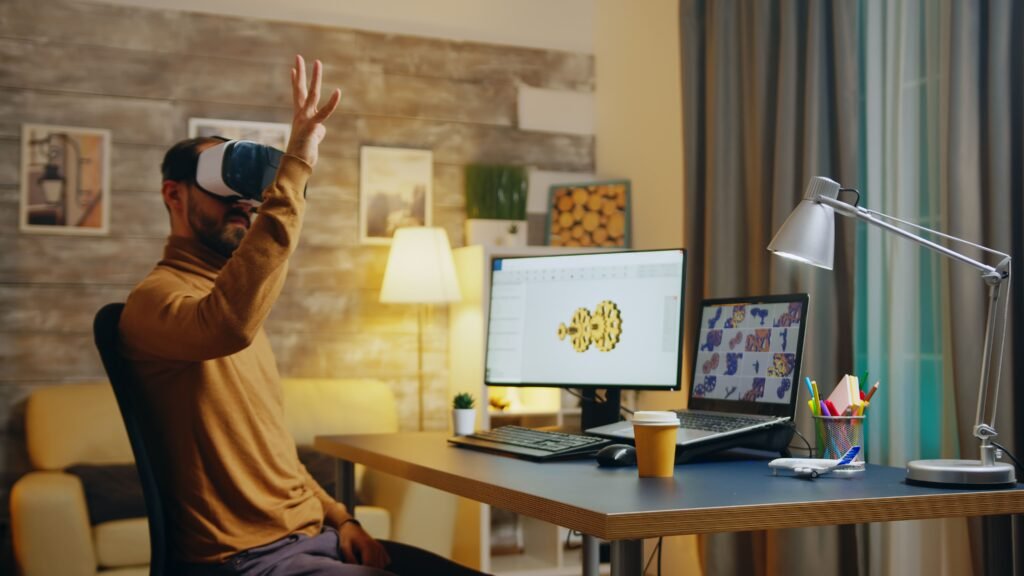
Here’s a practical path we often walk clients through:
1 – Decide what you want to achieve – Is it product visualization, education, or marketing fun?
2 – Prepare clean, optimized 3D models. Simpler models usually perform better.
3 – Choose your tools. WebXR with A-Frame or Three.js works well for most projects.
4 – Build a simple prototype and test it on different phones.
5 – Add an easy entry point – a prominent “View in AR” button or QR code.
6 – Optimize for speed and battery life. Nobody enjoys a laggy experience.
7 – Launch, gather feedback, and keep refining based on real user behavior.
This gradual approach helps you deliver something useful without overcomplicating the project. Starting small also allows you to learn what works best for your specific audience before investing in more complex features.
FAQ
Do users need to download an app to use WebAR? No. That’s the main advantage. They stay right in the browser and can start the experience instantly with just a tap or QR code scan.
Which phones support browser-based AR? Most recent iPhones and Android devices work. Performance is best on newer models, but even mid-range phones can deliver good results when the experience is properly optimized.
Is AR only useful for ecommerce? Not at all. While product previews are popular, AR also shines in education, real estate, marketing campaigns, and interactive storytelling.
How expensive is it to add AR to a website? It depends on complexity. Simple experiences can be added quite affordably. More advanced features naturally require more investment, but the return in engagement often justifies it.
Will AR work on desktop computers? Currently, browser AR works best on mobile devices with cameras. Desktop support is limited but improving as technology evolves.
How do I make sure the AR experience feels professional? Focus on realistic lighting, proper scaling, and smooth interactions. Always test with real users in real environments to catch issues early and ensure the experience feels polished and reliable.
Augmented reality in web design is moving from novelty to practical tool. As browsers get smarter and devices more capable, these experiences will become a natural part of how we interact with brands online. The combination of accessibility and immersion makes WebAR one of the most promising developments in modern web design.
At Suncode Miami we love helping businesses explore these new possibilities in ways that actually serve their goals. If you’re curious about modern web approaches, take a look at our guide on what is web design. For practical starting points, check web development where to start. You can also explore full service options in what are web development services.
Ready to bring immersive AR experiences to your website? We’d be happy to show you what’s possible. Just fill out the contact form and let’s talk about how we can create something engaging for your audience.

