
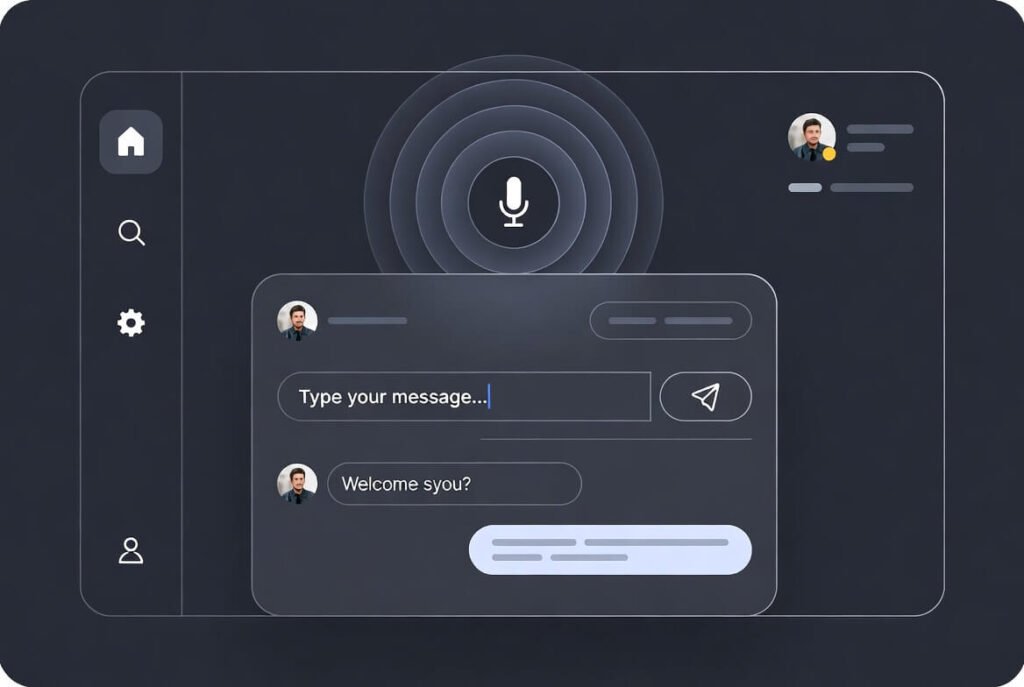
A voice user interface lets people talk to devices the way they talk to each other-no tapping, no typing, just speaking naturally. The whole point of voice user interface design is to create systems that pick up on what someone really means right away, answer clearly, and make the whole thing feel effortless every single time.
At Suncode Miami, we’ve been building high-quality web projects for over ten years, always mixing fresh ideas with what users actually need. We see VUI as the natural next step for any website or app that wants to stay ahead. When it’s done thoughtfully, these voice experiences turn routine tasks into easy, flowing conversations that make people stick around longer and feel more included.
Key Points / Quick Summary
- VUI stands for voice user interface – it pulls together speech recognition, natural language processing (NLP), and smart ways to manage back-and-forth talk to handle spoken input.
- The best approaches keep commands short and to the point, always give instant clear feedback, and deal with mistakes without frustrating anyone.
- Good voice design kicks off with deep user research to understand different accents, noisy settings, daily habits, and any challenges people might have.
- Strong VUIs run smoothly on smart speakers, phones, websites, TVs, cars, and assistants like Siri, Alexa or Google Assistant.
- Accessibility isn’t optional-people with visual impairments or other needs should get the same full experience.
- Privacy has to be front and center: be upfront about what happens with voice data and make it dead simple for users to control or delete it.
- Multimodal setups mix voice with visuals so everything feels richer and more helpful.
- Businesses see happier users, quicker task completion, and a real advantage over competitors who haven’t added voice yet.
What Is a Voice User Interface Design and How Does It Differ from Traditional UX Design?
A voice user interface, or VUI, is simply the part that lets you talk to a system instead of clicking or swiping. While regular graphical interfaces depend on visible menus and buttons you can see and tap, voice flips everything to spoken words.
We look at voice interface design as a natural extension of good UX and UI work. Screen-based design lets people scan and jump around; voice has to lead them step by step using only words. That shift means rethinking how people remember things in the moment, how distractions in real life affect them, and how to keep flows linear without feeling robotic
Why Does Voice User Interface Design Matter for Business Owners and Entrepreneurs in 2026?
Voice keeps growing fast-tons of people already use voice search every day on their phones, speakers, or even TVs. For business owners and professionals, skipping voice means leaving easy wins on the table and letting competitors pull ahead with smoother experiences.
Whenever we add voice features for clients, we usually see engagement jump pretty quickly because hands-free interactions make things faster and less annoying. Whether it’s an online store, a booking system, or an internal dashboard, a solid VUI cuts out friction and opens up fresh ways for people to convert.
What Are the Main Components That Make Voice User Interfaces Work?
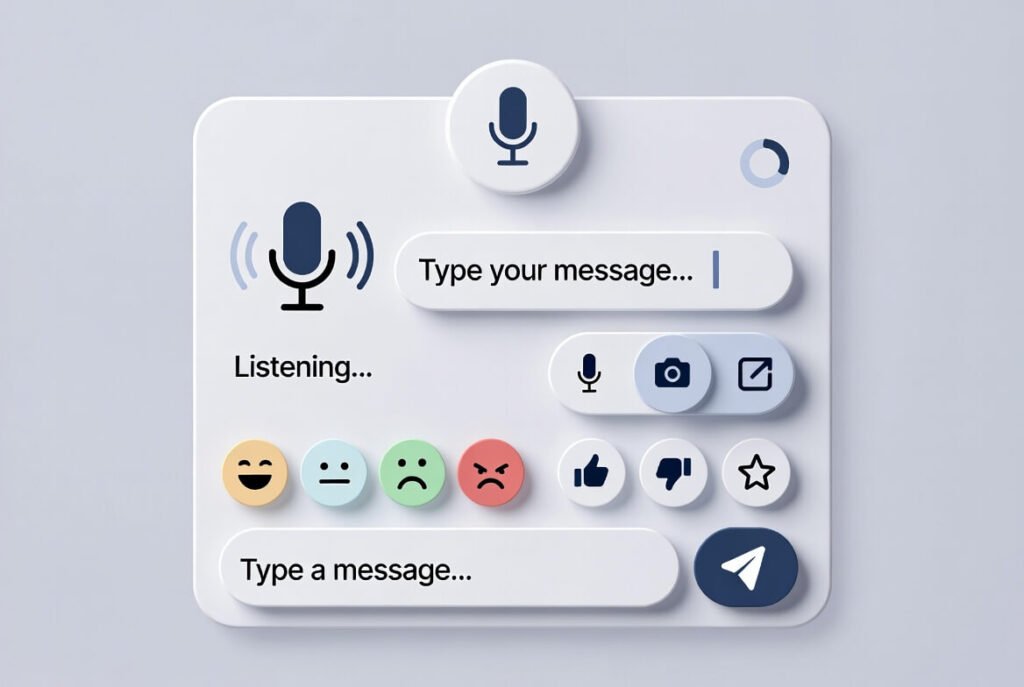
Any good VUI stands on four main pieces working together:
- Automatic speech recognition that converts spoken words to text, even when accents are strong or there’s background noise
- Natural language processing (NLP) that digs into what the person actually wants, not just the exact words.
- Dialog management that remembers context over several back-and-forths and knows when to ask for more details.
- Text-to-speech that sounds natural and keeps answers short and to the point.
When these click, the assistant really listens, replies naturally, and keeps the conversation going without awkward breaks.
How Do We Approach the Design Process for Voice User Interfaces?
This is the straightforward step-by-step way we handle voice projects at Suncode Miami.
Step 1: Extensive user research We start by really getting to know who will use it, where they’ll be, and what matters most to them. That means interviews, watching real usage, digging into how people actually speak. We pay attention to noisy spots like cars or kitchens, quiet offices, accents, and any speech or hearing differences.
Step 2: Conversation architecture and flow mapping Then we map out the ideal paths, the ones where things go wrong, and the confusing moments. Commands stay short-one breath max-and we skip any complicated terms. The idea is to sound like a real conversation but stay crisp.
Step 3: Prototyping We throw together quick prototypes that fake real voice input. With Wizard-of-Oz testing, we act as the system ourselves and record what people actually say so we can improve fast.
Step 4: User testing and iteration We test with all kinds of people multiple times, tracking how often tasks work, how frustrated folks get, and how long things take. From there we tweak wording, add clearer replies, handle accents better – whatever gets satisfaction scores up.
Step 5: Integration and launch Last, we plug the VUI into the site or app, check how it plays with visuals, and watch real usage once it’s live. We keep learning from actual data to make it sharper over time. This whole flow helps the final voice experience feel smooth and trustworthy right out of the gate.
Read Ethical Web Design: Principles of UX Design & Ethics
What Are the Top Design Best Practices for VUI?
We follow these proven practices on every project to deliver outstanding results. Keep interactions simple and natural; users cannot scan back like they do on a screen, so break every task into small, single steps.
1 – Keep voice commands intuitive and free of jargon.
2 – Provide clear feedback and confirmation. After every user request, give immediate voice response or earcon so people know the system heard them correctly. Silence is never an option.
3 – Handle errors gracefully When the system does not understand, offer contextual help instead of a generic “Sorry, I didn’t get that.” Ask clarifying questions or suggest options. This single practice prevents most user drop-offs.
4- Ensure accessibility to all users Design must help users who require extra support, especially users with visual impairments. Offer voice-only modes, adjustable speech speed, and integration with screen readers. Make the experience accessible to all users regardless of ability.
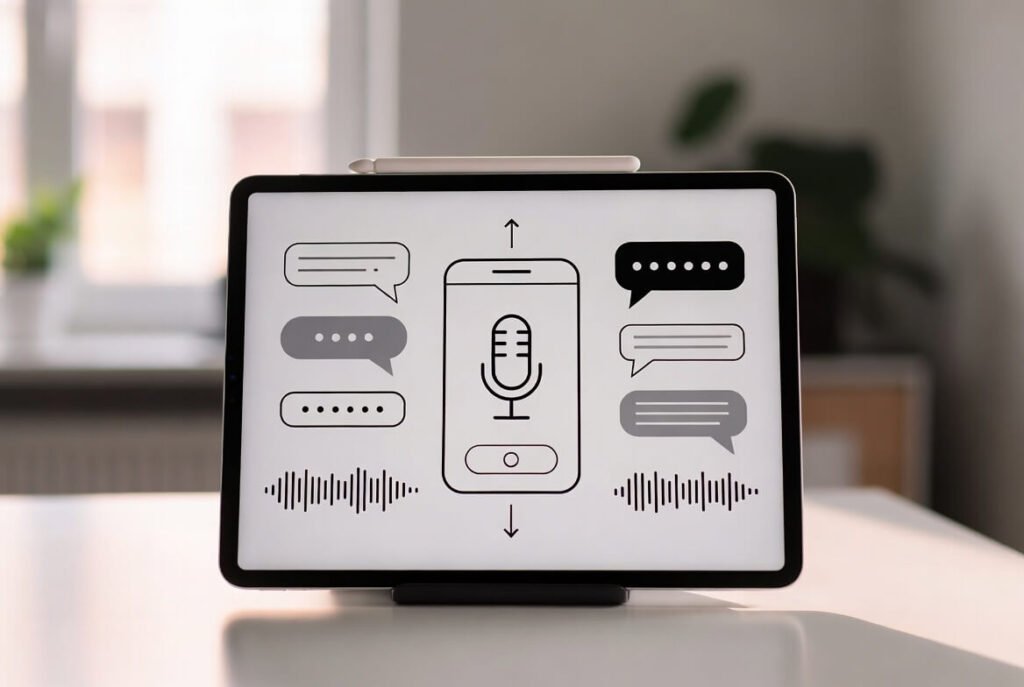
5 – Prioritize privacy and security. Be transparent about voice recordings and voice data. Allow users to review, delete, or manage their data easily. Give clear controls over their privacy settings so people feel safe.
6 – Design for multimodal experiences. Most modern VUIs pair voice with screens. Show complementary visual information while the voice assistant speaks. This combination of voice UI and graphical elements creates richer voice experiences.
7 – Test across devices and accents. Validate on smartphones, smart speakers, TVs, cars, and wearables. Include participants with varied accents so speech recognition performs reliably everywhere.
8 – Optimize for business impact Track metrics such as task completion rate, session length, and conversion uplift. Use insights to refine further and prove ROI to stakeholders.
Learn What Website Development Can Do For Your Confidence in 2026
Real-World VUI Examples That Inspire Us

Siri, Alexa, and Google Assistant show what is possible at scale. Alexa lets you order groceries while your hands are covered in dough. Siri handles reminders and calendars with casual phrases. Google Assistant tackles tricky questions or runs your smart home without missing a beat.
On the business side, voice picking helps warehouse teams work faster with both hands free. Finance teams query data out loud and get spoken summaries. These real examples show how careful voice design speeds things up and makes users happier.
How Can Businesses Benefit from Incorporating Voice Today?
Bringing voice into your site or app gives you a clear edge. People finish tasks quicker, enjoy it more, and come back often. For entrepreneurs and pros, that usually means better conversions and stronger loyalty over time. We help clients shift from plain screen-only setups to hybrid ones where voice works alongside regular navigation. The outcome is a more welcoming, up-to-date presence that feels ready for whatever comes next.
FAQ
What does VUI stand for? VUI means voice user interface-the technology that enables spoken interaction with digital systems.
Is voice user interface design only for big tech companies? No. Small and medium businesses benefit just as much. Even simple implementations on websites or booking tools improve user experience dramatically.
How much does it cost to add VUI to an existing site? Costs vary by scope, but we deliver functional prototypes quickly and scale from there. Many projects start under five figures and show clear ROI within months.
Do I need special hardware for VUI? No. Most implementations run on existing smartphones, browsers, and smart speakers using standard web technologies plus cloud speech services.
How do we measure success of a new VUI? We track completion rates, error rates, user satisfaction scores, and business metrics like form submissions or sales attributed to voice flows.
Can VUI replace traditional navigation completely? Usually not. The strongest results come from multimodal designs where voice and graphical elements support each other.
How does VUI improve accessibility? It gives users with visual impairments or motor challenges a fully functional alternative that does not rely on sight or precise tapping.
Final Thoughts
Voice user interface design moves fast, but the basics don’t change: put users first, keep it conversational and straightforward, test a ton, and handle privacy with care. At Suncode Miami we’re really excited to bring more businesses into this space.
If you are ready to explore how voice can elevate your online presence, reach out. We would love to discuss a tailored approach that fits your goals and budget.

