
3D elements in web design uses three-dimensional elements, animation, and interactivity to create a more immersive experience on a website. It helps brands stand out, increase engagement, and guide users through a more dynamic digital journey. Here’s the key difference. A traditional static site shows content. A 3d website invites users to explore it.
We at Suncode Miami have more than 10 years of experience integrating these techniques into real client projects. We see how adding 3d visuals turns ordinary pages into experiences that keep visitors engaged longer and make brands more memorable. This approach works especially well for ecommerce, portfolios, and high-end brands that want to build trust through interactive storytelling.
Key Points / Quick Summary
A 3d website increases engagement and time on site because users feel invited to interact rather than just read. The combination of animation and responsive movement keeps people scrolling and exploring instead of bouncing away quickly.
3d visuals help showcase products more effectively by letting customers rotate, zoom, and examine details in real time. This replaces flat images with realistic previews that mimic real-world interaction and reduce hesitation before purchase.
Animation and scroll-triggered effects guide navigation naturally so users follow a clear path without feeling lost. These subtle movements create visual cues that make the entire interface feel alive and intuitive.
Tools like three.js and spline make implementation easier for both developers and designers. They lower the technical barrier while still delivering high-quality results that load smoothly across devices.
Used correctly, 3d web design builds trust and conversions because it signals innovation and care for user experience. When the 3d elements support the brand message rather than distract from it, visitors stay longer, understand the offering better, and take action more confidently.
What Is 3D Web Design and Why Is It Trending?
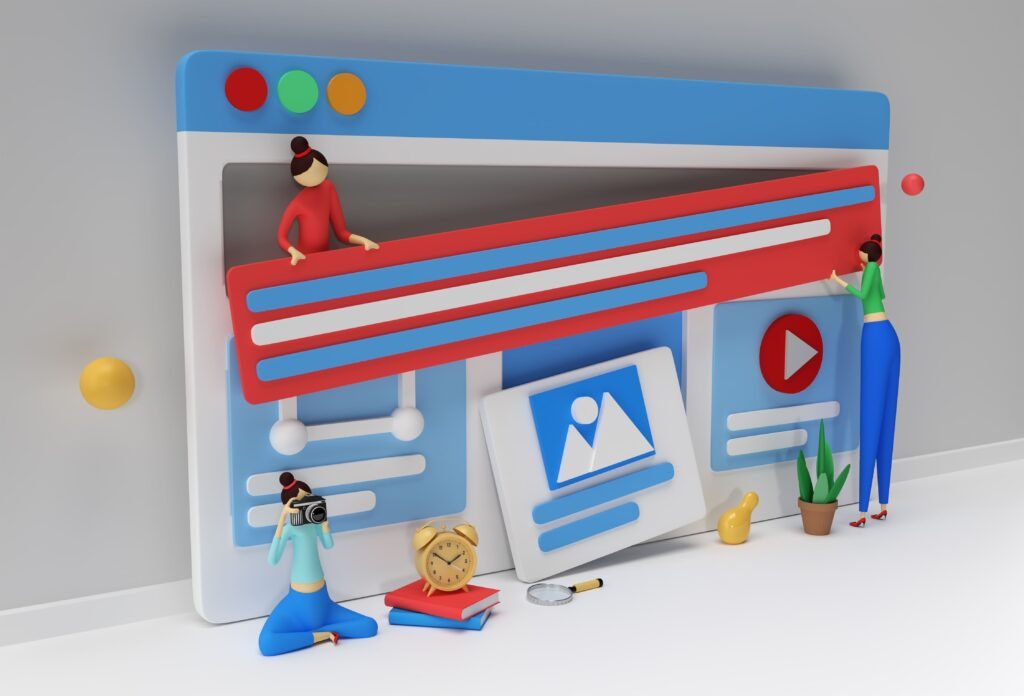
3d web design refers to the use of three-dimensional elements inside a browser-based environment. This includes 3d models that users can rotate, animated 3d scenes that change with scrolling, parallax depth effects that add layers of motion, and interactive elements that respond to cursor movement or clicks.
The goal is simple. Add depth and motion to what used to be flat 2d layouts. Modern users expect more than static pages. They want an interactive experience that responds to scrolling, cursor movement, and clicks. This shift is driven by faster internet speeds, better browser performance, and advanced design tools. According to industry insights, interactive design improves engagement and retention.
Why Should You Use 3D Elements in Web Design?
Stronger visual storytelling happens when you use 3d design instead of simply explaining a product. You can show it in motion so visitors can rotate, zoom, and explore details in real time. This creates a more immersive experience that helps users connect emotionally with the brand.
Higher engagement and interaction follow naturally when users scroll through a 3d web experience. Elements move at different speeds, objects respond to cursor input, and animations react to user behavior. This makes users stay and explore longer because every movement feels purposeful and rewarding.
Better product showcase works especially well in ecommerce. Instead of flat images, products can rotate so textures become visible and users get a real-world feel. This builds trust and improves conversions by reducing uncertainty before someone decides to buy.
Stronger brand positioning comes from a high-end 3d website design that signals innovation. It shows that your brand invests in quality and user experience, which helps it stand out in competitive markets.
Lear about Flat Design vs Material Design: Key Differences
What Are the Best 3D Website Examples and Patterns?
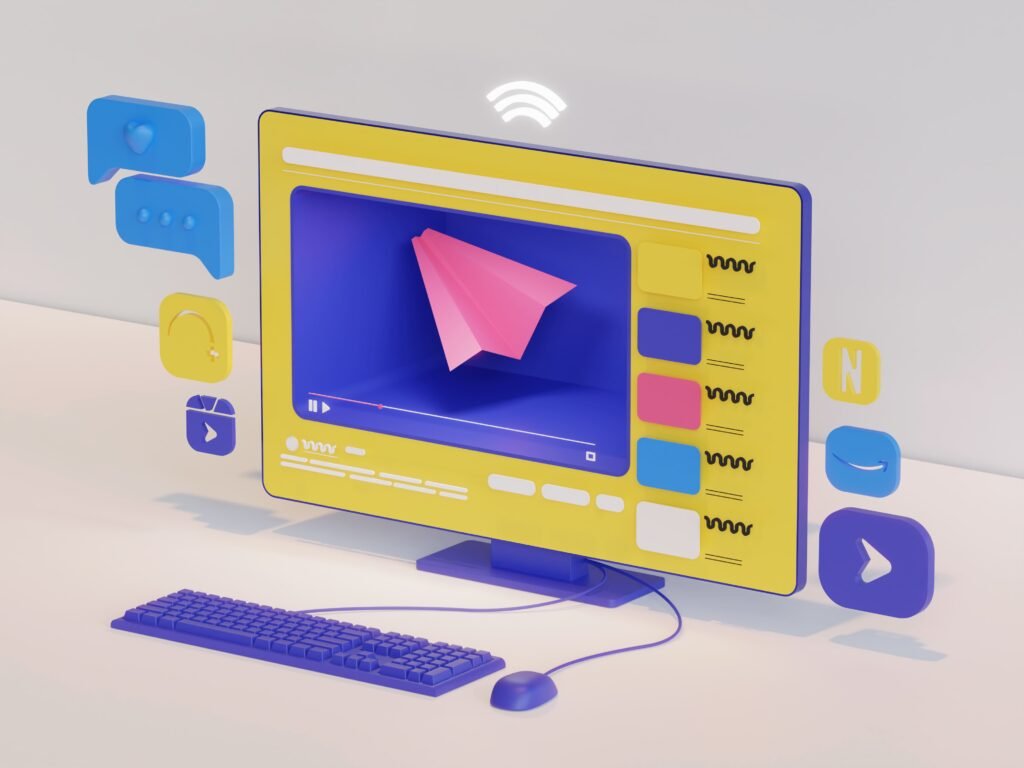
Instead of listing brands, let’s focus on patterns used in top 3d website examples. Hero sections with 3d models place a central object that rotates slowly and responds to cursor movement. It acts as a visual anchor that draws people in right away.
Scroll-triggered storytelling makes scenes change as users scroll. Elements animate and transitions guide attention so the page feels like a narrative experience rather than a list of information.
Parallax depth effects allow layered elements to move at different speeds. This adds depth and motion without overwhelming the user and creates a sense of space on what would otherwise feel flat.
Interactive product exploration lets users zoom into details, rotate objects, and preview features. This pattern is ideal for ecommerce because it turns passive viewing into active discovery.
How Do You Add 3D Elements to a Website Step by Step?
Step 1: Choose the right tools. Start with tools like three.js for advanced control, spline for faster designer-friendly creation, or cinema 4d for detailed modeling. These tools allow developers to create and export 3d components for the web.
Step 2: Design the 3d model. Create a high-quality 3d model and focus on texture, lighting, soft shadows, and intricate details. Keep performance in mind so the final result stays smooth.
Step 3: Optimize for web performance. Heavy 3d visuals can slow down your site so optimize file size, loading speed, and responsiveness. This step ensures the site works well on all devices and internet speeds.
Step 4: Integrate with web layout. Place 3d elements strategically and avoid breaking standard grids. Maintain a user-friendly interface so navigation stays clear and consistent.
Step 5: Add interactivity. Use hover effects, scroll-triggered animation, and cursor-based movements. Make the experience feel alive while keeping it easy to understand.
What Tools Are Used in 3D Web Design?

Three.js serves as a JavaScript library used to render 3d graphics in the browser and works best for advanced projects that need full customization.
Spline offers a more accessible tool for designers because it allows creating interactive 3d scenes without heavy coding. It speeds up the workflow and supports real-time collaboration.
Cinema 4D helps create complex models before exporting them to the web. It gives precise control over lighting, textures, and animation.
The modern web design tools ecosystem now integrates 3d workflows into standard pipelines. This reduces the learning curve for teams and lets everyone contribute without needing specialized coding skills.
What Are the Best Practices for 3D Web Design?
Keep it lightweight so you do not overload the page. Balance performance and visuals by optimizing models and using progressive loading where possible.
Use 3d to enhance, not replace content. 3d design elements should support the message rather than distract from it.
Maintain usability at every step. Navigation must stay clear so users should never feel lost even when interacting with 3d components.
Design for all devices to ensure responsive behavior across screens. Test thoroughly so the experience feels consistent whether someone visits on desktop or mobile.
Read: Responsive Web Design: An Introduction & Best Practices
Common Mistakes When Using 3D on Websites
Avoid slow loading times by always optimizing assets before launch. Excessive animation can overwhelm users so keep movements purposeful and subtle.
Confusing layouts happen when 3d elements compete with text or buttons so maintain clear hierarchy.
Poor mobile performance ruins the experience for most visitors so test on real devices early and often. 3d web design should improve the experience, not complicate it.
How 3D Web Design Impacts Business Results
3d web experiences increase engagement, improve conversion rates, and create memorable brand interactions. At Suncode Miami we focus on bringing 3d into real business results so every element serves a clear purpose.
If you want to understand how web design connects to growth, check our guide on what is web design. For practical starting steps, see web development where to start. You can also explore what are web development services to see how we turn ideas into high-performing sites.
You can also explore our full approach for web design here.
FAQ – 3D Web Design
Is 3D web design expensive? It depends on complexity, but tools like spline reduce costs significantly by letting designers work directly without extensive developer time.
Does 3D affect performance? Yes, but optimization solves most issues when you compress textures, limit polygon counts, and use lazy loading.
Is it good for ecommerce? Yes. It improves product visualization and builds trust by giving customers a realistic preview before they buy.
What is the best tool? Three.js works best for developers who need full control while spline suits designers who want faster results with less coding.
Can small businesses use 3D? Yes, with simpler implementations that start small and add one interactive element at a time.
Final Thoughts
3d web design is not just a trend. It is a shift in how users interact with digital products. When used correctly, it creates better storytelling, stronger engagement, and higher conversions.
At Suncode Miami we help business owners and entrepreneurs bring these ideas to life with practical, performant solutions. If you are ready to add depth and motion to your site, reach out through the contact form and let’s discuss how we can elevate your online presence with smart web design and marketing services.

