
Web font optimization involves techniques to make custom fonts load faster and render smoothly on websites. It reduces file sizes, minimizes layout shifts, and boosts overall web performance. This guide covers everything from choosing formats to advanced strategies, helping you create sites that look great without slowing down.
We at Suncode Miami have spent over a decade building high-quality web projects. We’ve seen how proper font handling can transform a site’s speed and user appeal. Let’s get into it.
Key Points / Quick Summary
● Start with WOFF2 for the best compression and support.
● Use subsetting to cut out unused glyphs and shrink font files.
● Self-host fonts for more control over performance and caching.
● Set font-display to swap or optional to avoid flashes of unstyled text.
● Preload critical fonts to speed up discovery and download.
● Limit font families and styles to keep things light.
● Tie into Core Web Vitals for better scores on LCP and CLS.
● Balance aesthetics with speed for a positive user experience.
What Is Web Font Optimization?

Web font optimization is the process of making font loading efficient to improve site speed and user satisfaction. It tackles issues like slow downloads and layout shifts. We focus on this to ensure sites perform well.
Here’s why it stands out. Fonts affect how quickly text appears and stays stable. Without optimization, visitors wait longer, which hurts engagement. In our experience, optimized fonts lead to smoother experiences and higher conversions.
Next steps involve understanding the basics of font types and their impact.
Why Optimize Web Fonts for Your Site?
You optimize web fonts to enhance web performance and meet Core Web Vitals standards. Slow fonts delay rendering and cause shifts. We recommend this for better user retention.
Let’s look at it. Large font files increase load times, affecting metrics like FCP. Optimized fonts reduce bounces and improve SEO. For business owners, this means more leads through form submissions.
Performance optimization ties directly to user trust. Sites that load fast feel reliable.
What Are the Main Font Formats for the Web?
Main font formats for the web include WOFF2, WOFF, and older ones like TTF. WOFF2 offers the best compression. We always prioritize it for efficiency.
Web open font format like WOFF2 compresses well and supports modern browsers. Use WOFF as fallback if needed, but stick to WOFF2 mostly.
Font formats matter for compatibility and size. Avoid outdated ones to prevent issues.
How Does Font Loading Impact Web Performance?

Font loading impacts web performance by adding to download times and potential shifts. Delayed fonts slow text visibility.
Here’s why. Fonts are resources that browsers fetch. If not optimized, they block rendering. This affects Core Web Vitals scores.
Improving web performance starts with font handling. Quick loads keep users happy.
What Is the Difference Between Web-Safe Fonts and Custom Fonts?
Web-safe fonts, such as Arial, Helvetica, Times New Roman, or Georgia, are pre-installed on virtually every device and operating system, which means they load instantly with zero additional HTTP requests, helping your site achieve blazing-fast performance, lower bandwidth usage, and better user experience-especially on mobile or slower connections. Custom fonts, while powerful for reinforcing unique branding, personality, and visual identity, must be downloaded from servers, so they require careful optimization (like subsetting, WOFF2 compression, font-display: swap, and proper preloading) to avoid delays, flash of invisible text (FOIT), or layout shifts that frustrate visitors.
We use both strategically in every project: relying on reliable web-safe fonts for body text, headings where speed is critical, or fallback options, while selectively implementing custom fonts for logos, hero sections, or key brand elements to maintain a polished, distinctive look without sacrificing core performance. By prioritizing web-safe fonts where they make the biggest impact on speed and accessibility, we ensure sites feel snappy and professional right from the first load, keeping entrepreneurs, professionals, and high-end clients engaged and impressed.
How Do Third-Party Fonts Affect Site Speed?
Third-party fonts can noticeably impact site speed because they require external connections and additional HTTP requests-services like Google Fonts, Adobe Fonts, or Font Awesome force extra DNS lookups, server requests, and potential latency from third-party CDNs, which can delay the initial page render and contribute to slower perceived load times, especially on mobile or slower networks. We generally recommend self-hosting fonts whenever possible for full control: you eliminate those extra connections, reduce round-trip times, enable better caching, and avoid dependency on external providers that might throttle, go down, or change policies.
That said, if third-party fonts are still preferred for convenience or a vast selection, they can be significantly optimized with techniques like preconnect hints (linking rel=”preconnect” to the font domain), preload tags for critical fonts, subsetting to include only needed characters, WOFF2 compression, and font-display: swap to prevent invisible text-allowing you to balance strong branding with minimal performance hits while keeping your site snappy for entrepreneurs, professionals, and high-end clients who expect instant responsiveness.
What Role Do Core Web Vitals Play in Font Optimization?
Core Web Vitals play a key role in font optimization by measuring load times and stability. Fonts impact LCP and CLS. We target these for better rankings.
● Fonts for Core Web Vitals need quick delivery. Optimize to pass audits.
● Web performance metrics guide our choices.
How Can You Reduce Layout Shift from Fonts?
You reduce layout shift from fonts by matching fallback and web font sizes. Use size-adjust in CSS. We apply this to prevent CLS penalties.
● Layout shift happens when fonts swap. Set reserves with ascent-override.
● Flash of unstyled text is common; control it.
What Is Font Subsetting and Why Use It?
Font subsetting removes unused glyphs from font files. It shrinks sizes for faster loads. We use it for non-Latin sites especially.
● Font subsets focus on needed characters. Tools like glyphhanger help.
● Optimization techniques include this for efficiency.
How Does WOFF2 Improve Font Performance?
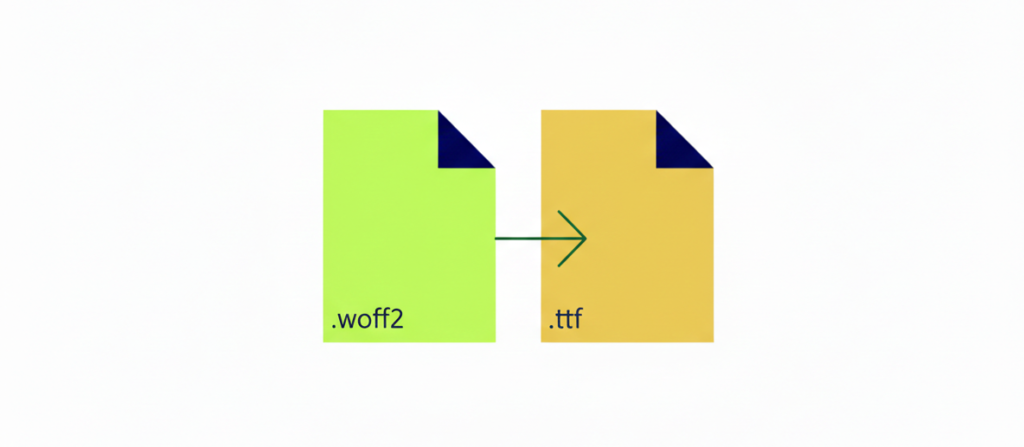
WOFF2 is the modern standard for web fonts, delivering significantly better compression than the older WOFF format and reducing file sizes by up to 30% (often more), which translates to faster font loading, lower bandwidth usage, and improved overall page performance-especially noticeable on mobile devices or slower connections. We convert all custom fonts to WOFF2 in every project, ensuring broad compatibility with modern browsers (Chrome, Firefox, Safari, Edge, and most recent versions) while providing automatic fallbacks for any legacy users.
By prioritizing WOFF2, we achieve noticeably smaller file sizes without sacrificing quality, helping sites load quicker, rank better in performance metrics, and deliver a snappier, more professional experience that keeps entrepreneurs, professionals, and high-end clients engaged from the first second.
What Are Best Practices for Using Google Fonts?
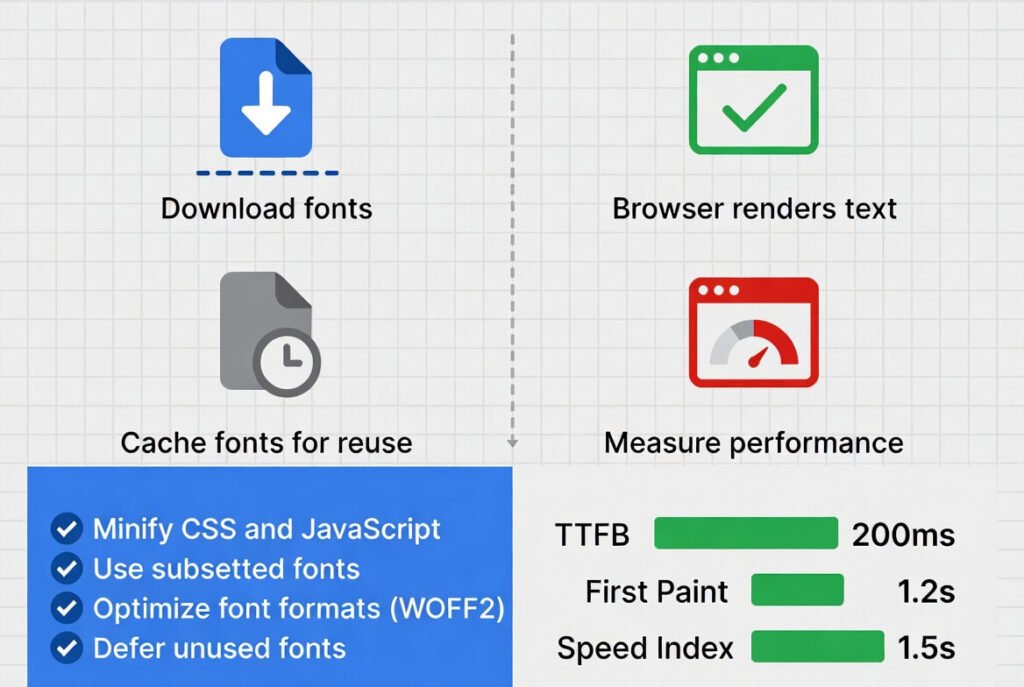
Best practices for using Google Fonts include subsetting via text parameter and preconnecting. Self-host if possible. We optimize these for clients.
● Google web fonts are popular. Add &display=swap to URLs.
● Like Google Fonts, they’re easy but need tweaks.
Dark mode practices might also interest you.
How to Self-Host Web Fonts Effectively?
To self-host web fonts, download files and serve from your domain. Use CDN for speed. We do this for privacy and performance.
● Self-hosting web fonts gives control over performance. Set caching headers.
● First-party fonts load quicker after caching.
What Is the Font-Display Property and How to Use It?
The font-display property controls rendering during load. Options like swap show fallback immediately. We use optional for minimal shifts.
● Font display: swap is common. It prevents blocking.
● Practice of font swapping avoids invisible text.
How Do Variable Fonts Help with Optimization?
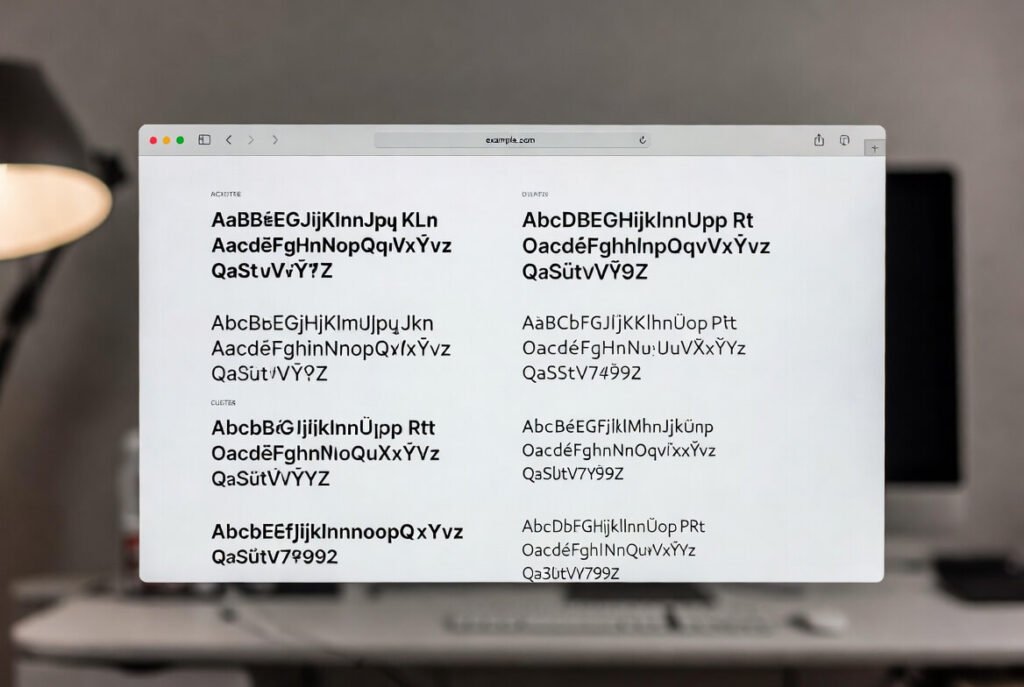
Variable fonts revolutionize web font optimization by combining multiple styles (such as weights, widths, italics, and optical sizes) into a single, compact file instead of loading separate font files for each variation-this drastically reduces HTTP requests, cuts bandwidth usage, and speeds up page loads significantly. We strongly recommend variable fonts for modern, flexible designs because they allow dynamic adjustments on the fly (e.g., smoothly transitioning from light to bold or narrow to wide via CSS variables) without extra downloads, enabling responsive typography that adapts perfectly to different screen sizes, headings, body text, or brand needs.
These efficient, modern fonts deliver better performance, smoother experiences, and greater design freedom while keeping sites snappy and professional for entrepreneurs, professionals, and high-end clients who value both speed and visual sophistication.
What Is Preloading and When to Use It for Fonts?
Preloading critical fonts starts their downloads early in the page load process by adding tags in the , ensuring these essential typography assets arrive sooner and reduce flash of invisible text (FOIT) or layout shifts. We strategically apply preload only to the most important fonts-like primary headings or brand typography-to speed up perceived performance without overloading the browser with too many requests. Used wisely, preloading delivers fonts early enough to create a smoother, more professional first impression, especially for business sites targeting entrepreneurs and professionals who expect fast, polished experiences.
How Does Caching Affect Font Loading?
Caching affects font loading by storing files locally for repeats. Set long max-age. We configure servers for this.
● Optimize font caching with headers. Browsers reuse them.
● Font is already cached on returns.
What Are Font Fallback Strategies?
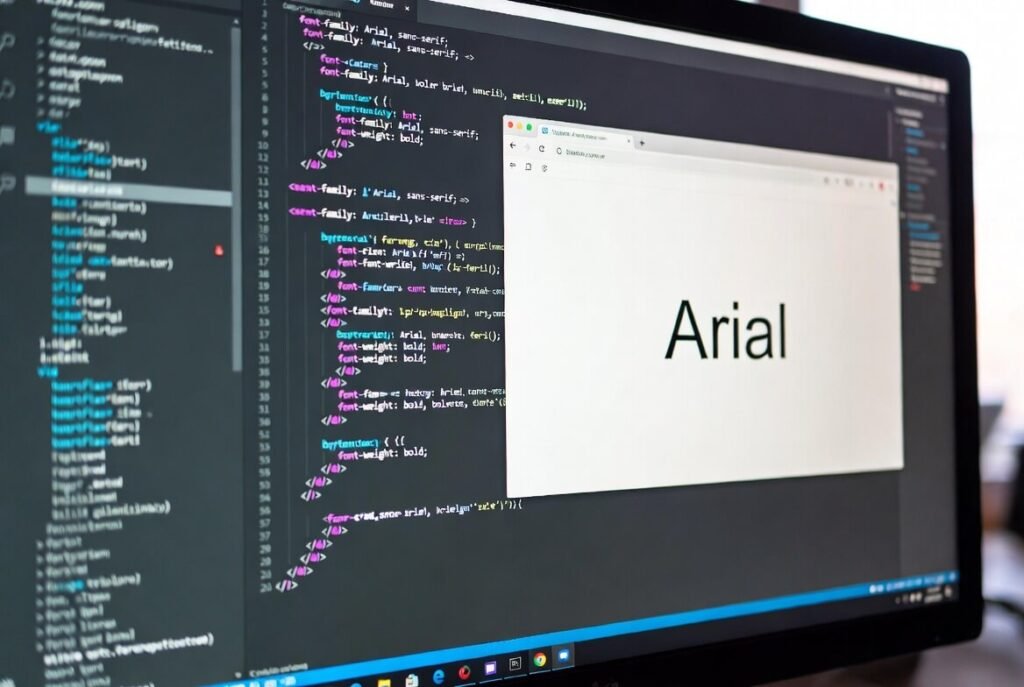
Font fallback strategies are essential for reliable typography: we design robust font stacks that list your custom or web font first, followed by close-matching system alternatives (like -apple-system, BlinkMacOSystemFont, Segoe UI, Roboto, Helvetica, Arial, or sans-serif), ensuring something displays immediately if the primary font fails to load. This prevents blank or invisible text (FOIT) during the brief delay while web fonts download, and by carefully choosing fallbacks with similar metrics-x-height, weight, and proportions-we minimize layout shifts (CLS) when the custom font finally kicks in. The result is a smoother, more professional loading experience that keeps users engaged without jarring jumps or delays, especially important for business sites targeting entrepreneurs and professionals who value polish and speed.
How to Minimize the Number of Fonts on a Page?
To create faster-loading, more consistent websites-especially for mobile users-minimize the number of font families by sticking to just two at most, then combine different weights and styles within those families to achieve variety without adding extra files. We regularly audit sites and often reduce their font loads significantly, which lightens page weight, improves performance, and delivers a cleaner, more professional look across devices.
What Tools Can Help with Font Optimization?
Tools like glyphhanger for subsetting and Font Squirrel for conversion help. We use them in workflows.
● Font optimization tools speed processes.
● Web Almanac provides insights.
How Do System Fonts Boost Performance?
● System fonts boost performance as they’re local, no download. Use system-ui. We fallback to them.
● Fonts affect speed; system ones don’t. Default font is quick.
What Is the Tradeoff Between Performance and Aesthetics?
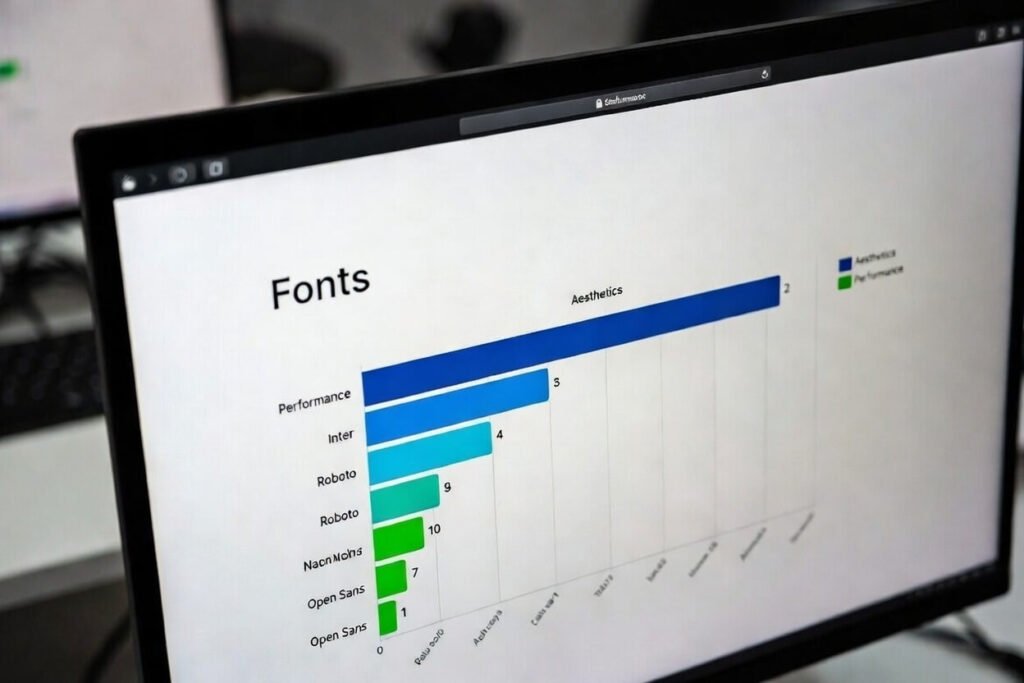
The tradeoff between performance and aesthetics involves choosing fast fonts over fancy ones. We balance for optimal results.
● Performance and aesthetics need harmony.
● Tradeoff between performance and aesthetics is key.
How to Optimize Third-Party Font Providers?
To optimize third-party font providers like Google Fonts, implement preconnect resource hints to establish early connections to domains such as fonts.googleapis.com and fonts.gstatic.com, and use font subsets to load only the necessary characters and weights-drastically reducing file sizes and improving load times.
For even greater control over performance, caching, and privacy (especially on mobile), consider switching to self-hosting the fonts on your own server or CDN, which often eliminates extra third-party requests and can shave hundreds of milliseconds off rendering in real-world tests. We evaluate this per project based on the site’s specific needs, as some stats show third-party fonts delivering faster initial renders thanks to widespread caching and CDNs, but self-hosting generally provides superior long-term consistency, reduced layout shifts, and better overall control.
What Insights Does Web Almanac Offer on Fonts?
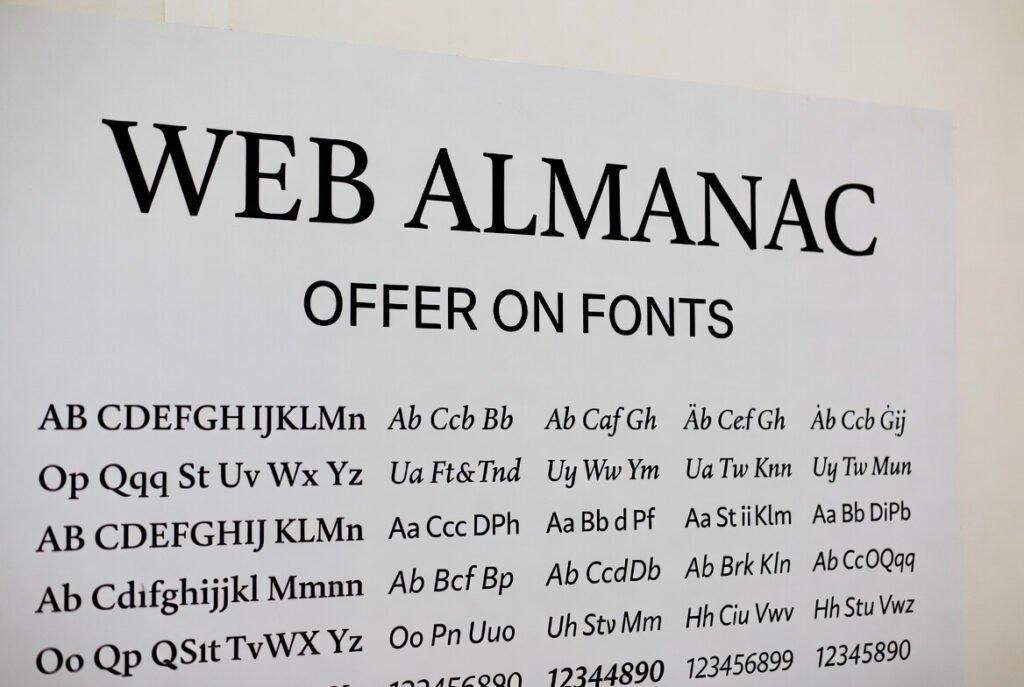
● Web Almanac offers insights like 84% sites use web fonts, WOFF2 dominates. We reference it for trends.
● Web Almanac 2022 shows variable fonts up.
● Web Almanac found service fonts sometimes faster.
Step-by-Step Guide: How to Implement Font Optimization
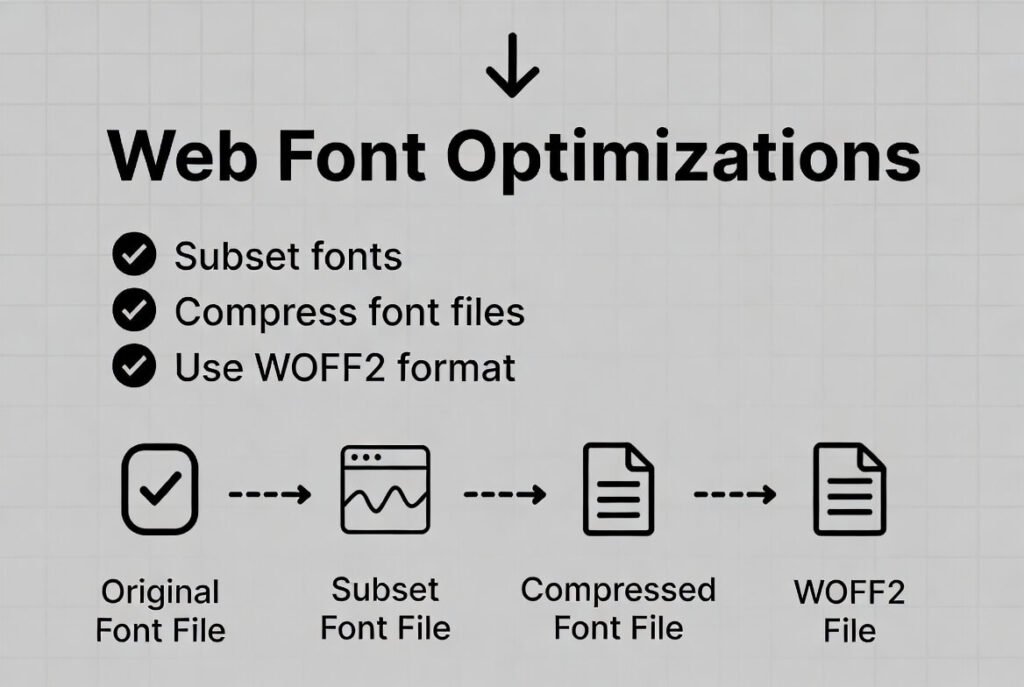
Time to get hands-on. Here’s how we do it in projects.
● Step 1: Audit current fonts. Check which are used, sizes, and third-party.
● Step 2: Choose formats. Convert to WOFF2, drop others.
● Step 3: Subset files. Use tools to remove extras for your language.
● Step 4: Self-host. Upload to server, update CSS.
● Step 5: Add preloads. For key fonts in head.
● Step 6: Set font-display. Swap for most.
● Step 7: Define fallbacks. Match sizes with adjust.
● Step 8: Cache properly. Headers for long life.
● Step 9: Test. Use Lighthouse for CWV.
● Step 10: Iterate. Monitor real users.
This optimizes fonts fully.
Read: Web Development Where to Start: Step-by-Step
How Does Font Selection Influence Loading?
● Font selection influences loading by file complexity. Simple ones are smaller. We pick efficient ones.
● Font selection is first step. Efficient font choices matter.
What Are Font Resources and How to Manage Them?
Font resources-such as WOFF2 files-are critical assets that must be managed carefully for optimal performance and reliability: we organize them with clean, proper file paths (e.g., /fonts/myfont.woff2), implement strong browser caching headers (like Cache-Control: max-age=31536000, immutable) to minimize repeat downloads, and apply minification or compression where applicable to keep file sizes lean.
Equally important, we always deliver fonts securely via HTTPS to prevent mixed-content warnings, ensure compatibility with modern browsers, and maintain site security-especially crucial for business websites targeting professionals and entrepreneurs who expect a trustworthy, polished experience. By handling font resources this way, we avoid loading delays, broken typography on secure connections, and unnecessary server requests, resulting in faster pages, better Core Web Vitals scores, and a smoother, more professional first impression for every visitor.
How to Use Local Fonts If Available?
Using local fonts with src: local(‘Font Name’) in your @font-face declaration is a smart optimization: it first checks if the exact font is already installed on the user’s device, serving it instantly with zero download if present. We always include local() references (e.g., src: local(‘Arial’), local(‘Helvetica’), url(‘/fonts/arial.woff2’) format(‘woff2’)) as the priority in every project. This avoids unnecessary bandwidth usage, eliminates extra HTTP requests when the font is common or user-installed, and ensures lightning-fast typography without sacrificing fallback reliability.
What Is Unicode-Range and Its Benefits?
To supercharge font performance on multilingual sites, leverage the unicode-range descriptor in your @font-face rules-it specifies exactly which glyphs (Unicode character ranges) a particular font file provides, so the browser only downloads that file if the page actually uses one or more matching characters, resulting in dramatically smaller overall downloads and faster load times.
This creates a dynamic subsetting effect: instead of shipping massive full-font files containing thousands of unnecessary glyphs for languages your visitors don’t need, you split or subset fonts (e.g., one for Latin, another for Cyrillic or Devanagari), and the browser intelligently fetches just the relevant parts on demand. We routinely apply this technique for multilingual projects to minimize bandwidth, reduce layout shifts, and deliver snappier experiences across global audiences without compromising typographic quality.
How Do Different Font Styles Affect Performance?
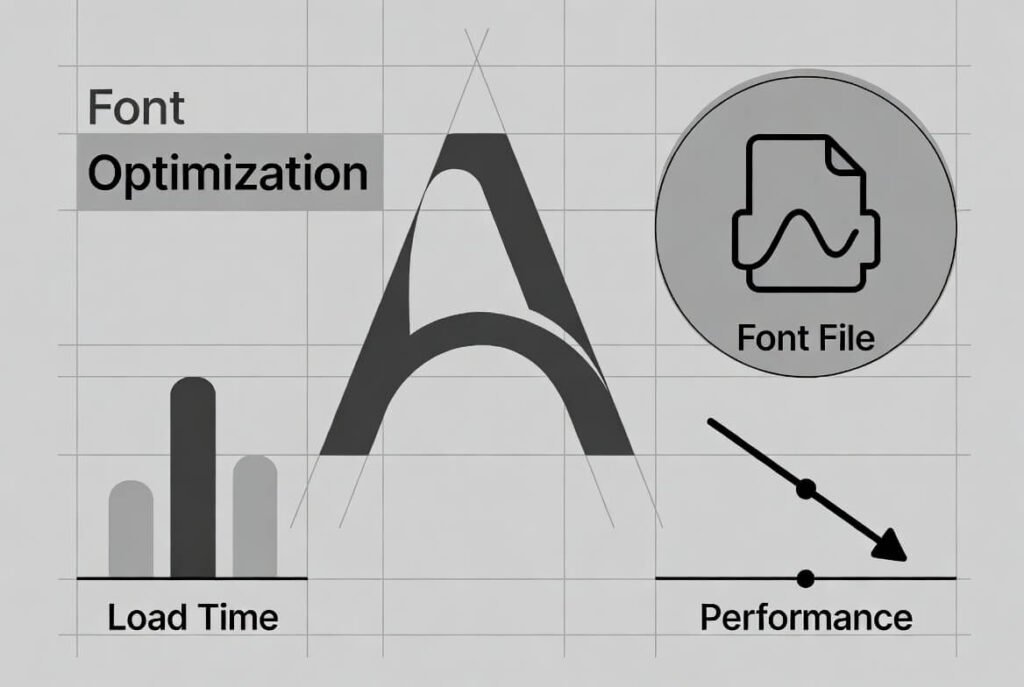
Different font styles-like bold, italic, light, or extra-bold-typically require separate font files for each weight or variation, which adds multiple HTTP requests and bloats your site’s total file size, slowing down load times. We recommend using variable fonts instead, as they combine all these styles (weights, widths, italics, etc.) into a single efficient file, allowing dynamic adjustments via CSS without extra downloads. By limiting ourselves to essential variations and prioritizing variable fonts, we keep performance lean, reduce bandwidth, and maintain a fast, professional experience for business sites targeting entrepreneurs and professionals.
What Is Asynchronous Font Loading?
To further boost perceived performance and prevent invisible text or flash of unstyled text (FOUT), implement asynchronous font loading by using a lightweight script like Web Font Loader (from Google and Typekit) to fetch and apply web fonts without blocking the page render-allowing the browser to display fallback system fonts immediately while the custom fonts load in the background.
This approach dramatically improves perceived speed, as users see content right away instead of staring at blank or delayed text, and it gives you fine-grained control over loading behavior (such as adding classes when fonts are active). We frequently incorporate this technique alongside other font optimizations, since combining async loading with preconnects, subsets, unicode-range, and careful family limits creates a robust, mobile-friendly typography system that feels snappier and more polished across all devices.
How to Speed Up Font Delivery?
To maximize font delivery speed and keep pages lightning-fast-especially on mobile-serve your fonts through a high-performance CDN (Content Delivery Network) so files are cached and delivered from edge servers geographically close to your users, slashing latency and reducing round-trip times.
Pair this with aggressive compression: enable Brotli (which typically outperforms Gzip for font files like WOFF2) on your server or CDN to shrink payloads even further, and make sure you’re using modern protocols like HTTP/3 (QUIC) for faster connection establishment, multiplexing, and loss recovery-many CDNs support it out of the box and it can noticeably accelerate font loading in real-world conditions. We routinely configure these optimizations per project, ensuring fonts arrive quickly without blocking render, which helps eliminate layout shifts, improves Core Web Vitals scores, and delivers a smoother, more responsive experience no matter where visitors are located.
What Are the Risks of Over-Optimizing Fonts?
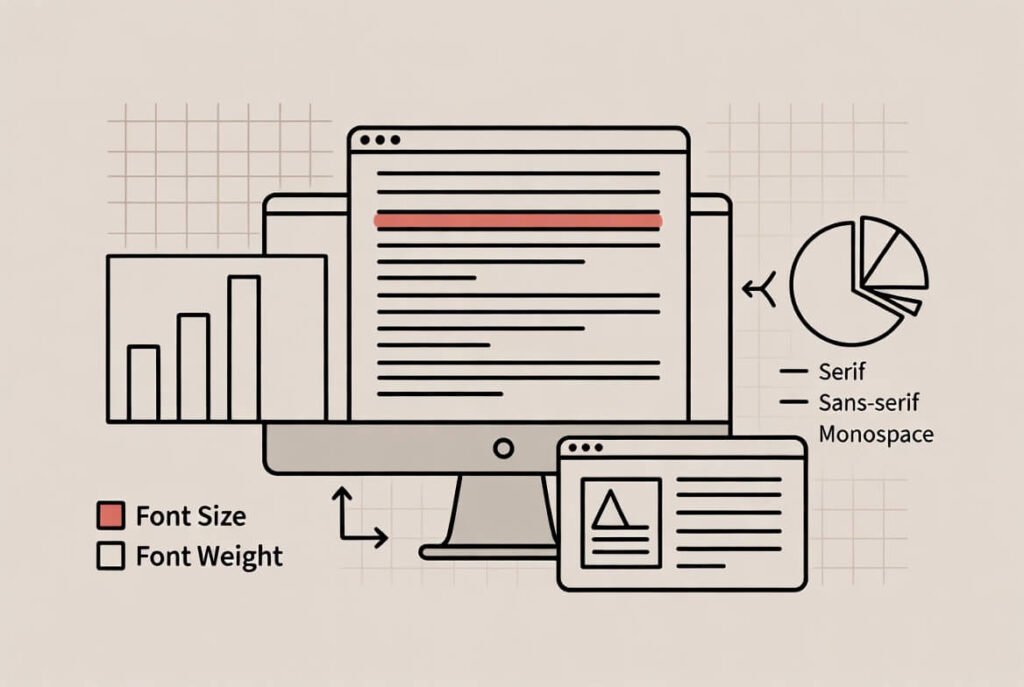
While aggressive font optimization can deliver impressive performance gains, overdoing it carries real risks-like reduced legibility from overly aggressive subsetting that strips out essential glyphs, inconsistent rendering across browsers or operating systems, or even broken fallbacks that make text hard to read on certain devices. Extremely narrow unicode-ranges or missing weights/styles can cause fonts to look distorted, pixelated, or mismatched when the browser swaps to a fallback. We always approach font optimization carefully, testing thoroughly across real devices, browsers, screen sizes, and languages to strike the right balance-ensuring pages stay fast and lightweight without sacrificing readability, accessibility, or visual quality for any user.
How Does Font Rendering Work During Load?
● Font rendering shows fallback until web font loads. Control with display.
● Rendering when the associated web font is delayed.
● Web font has not loaded yet.
What Are Icon Fonts and Alternatives?
● Icon fonts are symbol sets but cause shifts. Use SVG instead. We switched for accessibility.
● They’re outdated.
● Web pages benefit from vectors.
How to Handle Multiple Font Declarations?
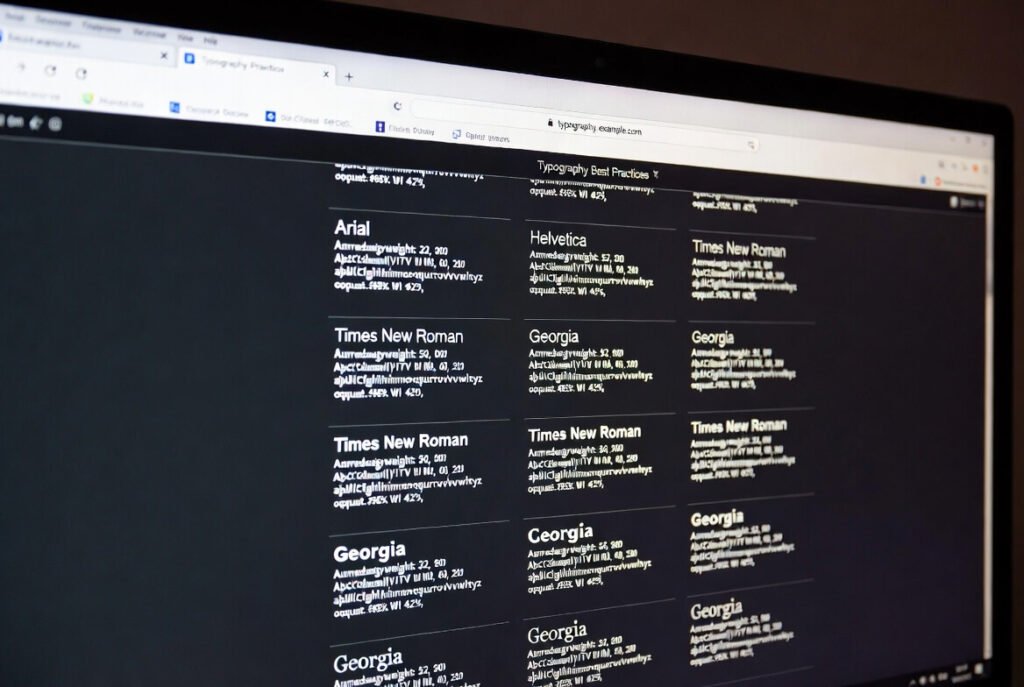
To handle multiple font declarations efficiently, we consolidate them by using one clean @font-face rule per unique style (e.g., one for regular, one for bold, one for italic), avoiding redundant or duplicate declarations that bloat your CSS and slow parsing. All @font-face rules are placed strategically in the (or a dedicated CSS file) with proper src paths, formats, and weights clearly defined. This streamlined approach keeps your stylesheet lean, reduces file size, improves load performance, and ensures fonts render reliably without unnecessary overhead for business sites targeting professionals and entrepreneurs.
What Is the Paradox of Too Many Fonts?
● Too many fonts slow sites and confuse users. We advise minimalism.
● Fonts are static resources.
● Particular font can overload.
How Can Marketing Tie into Font Choices?
Font choices are a powerful marketing tool because they silently shape brand perception, evoke emotions, and reinforce identity before visitors even read a single word-think of how a sleek sans-serif conveys modernity and approachability for tech brands, while an elegant serif builds trust and sophistication for luxury or financial services.
Strategic typography ties directly into marketing by enhancing brand recall, differentiating you from competitors in crowded feeds or shelves, boosting credibility, and influencing consumer decisions through subtle psychological cues that align with your target audience’s values and tone. When fonts consistently match your messaging across websites, ads, packaging, and social media, they strengthen emotional connections, improve engagement, and ultimately drive conversions by making your brand feel authentic, memorable, and trustworthy.
Marketing ties into font choices by aligning with brand. Optimized ones ensure quick loads for ads. (For web design basics, see our post here.)
FAQ
What is web font optimization?
It’s making fonts load fast without issues.
How does font subsetting work?
Remove unused characters to shrink files.
Why use WOFF2?
Better compression for quicker downloads.
What is font-display swap?
Shows fallback right away, swaps later.
How to preload fonts?
Use link rel=preload in head.
What are variable fonts?
One file for many styles.
Why self-host fonts?
Faster, more control.
How do fonts impact Core Web Vitals?
Affect LCP and CLS.
What is a fallback font?
Backup if custom fails.
How to cache fonts?
Set headers for browser storage.
For future trends, check our 2026 guide.
Ready to optimize? Submit our form for help.

